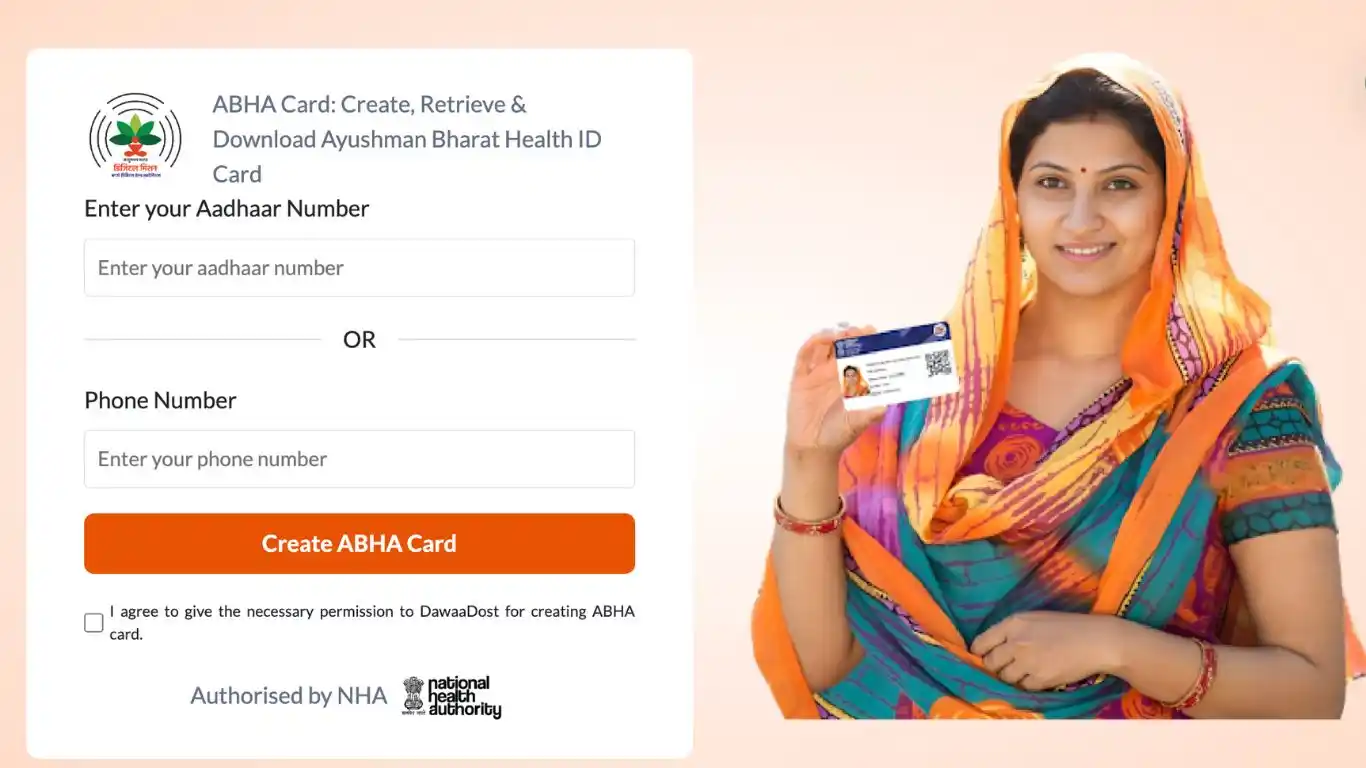
What is Ayushman Bharat Health Account (ABHA) Card/ ID?
ABHA Health Card provides numerous benefits to the citizens of India. It grants access to a unified platform for hassle-free storage, management and sharing of medical records. It also ensures easy sign up for personal health records and a convenient access to healthcare facilities.
ABHA card is managed under the Ayushman Bharat Digital Mission (ABDM) which is a digital healthcare initiative of National Health Authority (NHA).
ABHA ID is a 14-digit identification number which is unique to all individuals. It provides:
- A strong and trustable identity for an individual that will be accepted by both the healthcare providers and the payers; across the country.
- Access to the lab reports, prescriptions and diagnosis reports on a digital platform
- Convenience in interacting with the participating healthcare providers
ABHA Card registration: An Overview
Registration process for the ABHA card is very straightforward. ABHA card registration can be done by any of these 2 modes:
i) Online mode (using the website or the mobile application)
ii) Offline mode (visiting the nearest health center facility)
Documents Required for Registration
Before you start registering for an ABHA card, make sure you have your government ID cards handy for the verification purposes. The only 2 essential documents that will be required as an identity and address proof for the ABHA card registration are:
i) Aadhaar Card
ii) Driving License
By using any of these 2 identity proof documents, one can easily start to register for his/ her ABHA card and create a personal healthcare unique ID.
Online Registration of ABHA Health Card
Online registration is an easy and a quick process to register for the ABHA card. All you have to do is to follow the 3 steps mentioned below and register yourself.
Step1: Click on the link: https://abha.abdm.gov.in/abha/v3/ (you can now access the official website)
Step 2: Click on the tab ‘Create ABHA number’. This will take you to the next page.
Step 3: Choose if you want to register using your Aadhar card or your Driving License. And click on ‘Create your ABHA number using Aadhar’ OR ‘Create your ABHA number using Driving License’ accordingly.
If you choose ‘Create your ABHA number using Aadhar Card’: Keep your Aadhaar card details handy and you can create your ABHA number details instantaneously by following these simple 4 steps:
Step 1: Enter your 12 digit Aadhar card number
Step 2: Agree to the terms and conditions below
Step 3: Enter the OTP that is sent to the registered mobile number
Step 4: Select submit
Your form has now been submitted. You can download your ABHA card now.
Note: Please ensure that your Aadhaar is linked to your Mobile Number as an OTP authentication will follow. If you do not have your Mobile Number linked, visit the nearest ABDM participating facility and seek help.
If you choose ‘Create your ABHA number using Driving License’: You can initiate the request for ABHA number using Driving License too by following these simple 5 steps:
Step 1: Enter your phone number and agree to the terms and conditions.
Step 2: Enter the Captcha code and click ‘Next’.
Step 3: Enter the OTP received on your registered mobile number.
Step 4: Now, enter your personal details like name, driving license number, gender, date of birth, address, district, state, PIN Code, etc.
Step 5: Add an image of your driving license and your ABHA number will be generated.
However, you will only be able to obtain an Enrolment Number on the portal. You will be required to visit the nearest ABDM participating facility with your Driving Licence to get your identity verified by the facility staff in order to obtain the ABHA Health Card.
ABHA Registration Using Mobile Application
You can also register for your ABHA card using an ABHA app by the National Health Authority. To download and install the app, go to the App store or the Play store and install the app ‘ABHA’ by ‘National Health Authority’. Once installed, register using the following 6 simple steps:
Step 1: Click on ‘Register’
Step 2: Choose ‘Create your ABHA number’
Step 3: Click on ‘Don't have an ABHA number? Create now’
Step 4: Enter your 12 digit Aadhaar number and click on ‘Agree’
Step 5: Enter the OTP received on the registered mobile number and also enter the mobile number for future communications
Step 6: Click on ‘Validate’.
Your ABHA card is successfully generated, you can download it now.
Offline Registration of ABHA Health Card
If you do not have access to online mode of ABHA card registration. Do not worry! You can register your ABHA card in an offline mode. All you need to do is to follow the 3 steps given below:
Step1: Fetch the list of Health Center Facilities from the official ABHA website and locate your nearest Health Center Facility.
Step 2: Visit the nearest health center facility. Remember to carry your Aadhaar card (a Government ID)
Step 3: Take the registration form, fill in all the required details and submit it to the facility itself. Your registration will be finished after the process is complete.
Hence, you can complete the process of ABHA card registration using both online and offline modes. An access to this card will help you manage all your health records digitally and make the healthcare journey smooth for you and your family.
ABHA Card FAQ’s
1. Is there any fee for ABHA card registration?
No, ABHA card registration is completely free of cost. There are no charges or hidden costs during the registration process.
2. What are the documents required for ABHA card registration?
Aadhaar card or Driving License are the only documents that are essential during the registration process.
3. Is it compulsory to register for ABHA card?
No, it is not compulsory but it is advised as it provides a secure platform for managing health records and accessing healthcare.
4. Is the ABHA card useful in private hospitals?
You can definitely link your ABHA card with a private healthcare facility, provided they are willing to do so. Thus, the scope of the ABHA health card is not limited to only government schemes and hospitals.




 0
0